While editing a customer's cart, you may need to create a new coupon and redeem it
immediately.
To do so:
Switch to the Quick order tab.
Click Coupon.
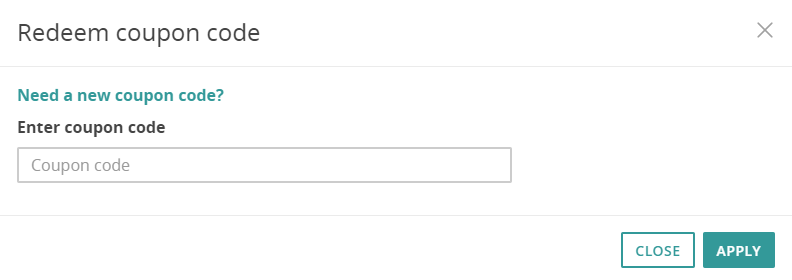
This displays the Redeem coupon code dialog.
Figure 1. Redeem coupon code dialog
Click Need a new coupon code?
This displays the ongoing promotions dropdown.
Select the promotion for which you want to create a coupon.
Note:
The promotion select box displays only promotions set up accordingly in Intershop Commerce Management.
Click Create coupon.
The according coupon code is generated immediately and displayed in the text
box.
Click Apply.
This applies the discount immediately to the current cart, as displayed in the
calculation.
Disclaimer
The information provided in the Knowledge Base may not be applicable to all systems and situations. Intershop Communications
will not be liable to any party for any direct or indirect damages resulting from the use of the Customer Support section
of the Intershop Corporate Website, including, without limitation, any lost profits, business interruption, loss of programs
or other data on your information handling system.