
Advanced Search
Using the advanced search, you can increase the accuracy of your searches by specifying the exact search criteria. For example, you can search for a specific product name, product ID, manufacturer name or price range.
To use the Advanced Search:
-
Specify your search criteria.
The search criteria are grouped as follows:
-
General product attributes, includes information like product ID, product type, manufacturer, price, etc.
Figure 1. Advanced product search: General product attributes 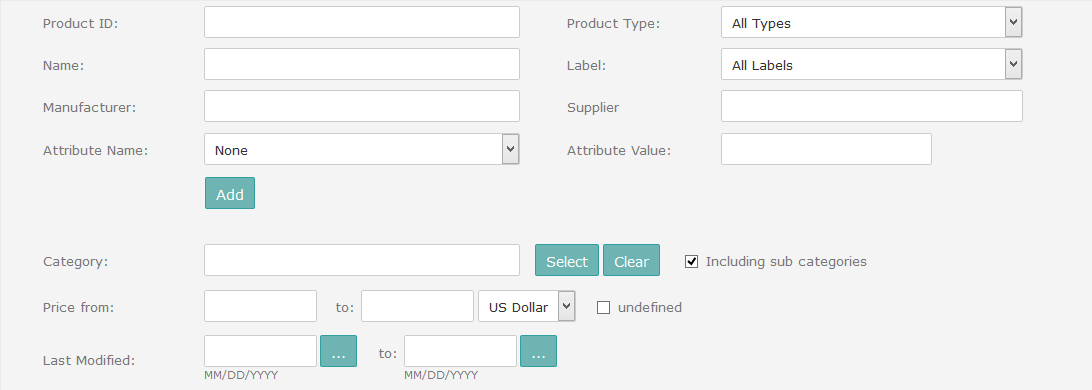
-
Product status, includes information like online/offline, availability, approval status, etc.
Figure 2. Advanced product search: Product status 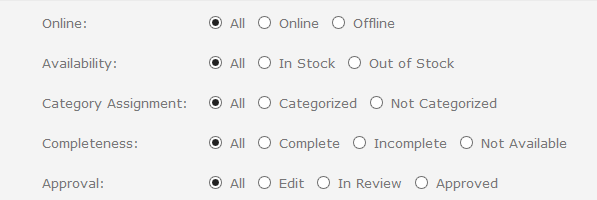
-
Product lifecycle, including last order date and end-of-life date
Figure 3. Advanced product search: Product lifecycle 
-
Custom product attributes
Figure 4. Advanced product search: Custom product attributes 
-
Pages/includes, covers page and include assignments
Figure 5. Advanced product search: Pages/includes 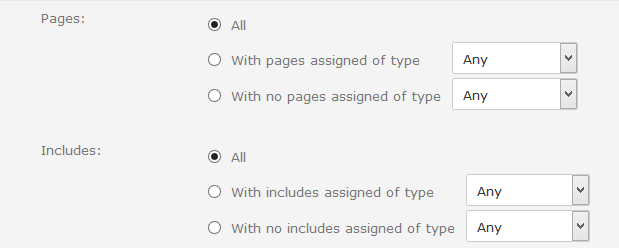
-
Search result display, defines the search language and search result sorting
Figure 6. Advanced product search: Display search results 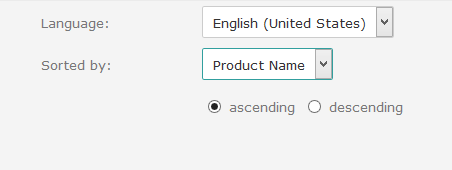
-
For an overview of common search options, see General Search Options.